Offline conversion tracking: Teach Google and Meta what a real customer looks like
The ad platforms only see what happens on your website. What happens after, on the phone and at the quote, is what matters, and you can send it back to them.
Modern ad platforms are built around machine learning. You tell them what a conversion is, and they spend your budget looking for more of it. If a conversion is a form fill, they get very good at finding people who fill in forms.
That is not the same as finding customers.
What offline conversion tracking does
It closes the loop between the ad and the outcome. When a lead becomes qualified, books an appointment or signs a job, you tell the platform. The platform matches that outcome to the original click or person, and uses it to adjust who sees your ads and how much to bid.
How it works in Google Ads
Google offers two main routes:
- Enhanced conversions for leads. Your website sends a hashed email or phone number when a form is submitted. Later, you upload outcomes using the same details. This is Google's recommended approach for most lead businesses.
- Offline conversion imports using GCLID. You save the Google click ID with each lead, then upload it with the outcome. Still widely used, especially with CRMs that already support it.
Uploads can be manual (a spreadsheet), scheduled, or automatic through a CRM integration.
How it works in Meta
Meta uses the Conversions API to receive events from your server or CRM. For instant form leads, conversion leads optimization uses the lead's status in your CRM to guide delivery.
What to send
Pick stages that are clear and consistent:
| Stage | When to send | Value |
|---|---|---|
| Qualified lead | Right service, area and intent confirmed | Optional estimate |
| Appointment booked | Quote or inspection scheduled | Optional estimate |
| Job won | Customer signs or pays | Job value or gross profit |
Start with qualified lead. It happens quickly and often enough for the platforms to learn from. Add job won once the process is reliable.
Illustrative example
These numbers are invented to show the effect.
A remodeling company optimizes for form fills and gets 80 leads a month, 20 qualified. After switching the bidding goal to qualified leads with weekly uploads, leads fall to 60 but qualified leads rise to 28. Same spend, 40% more real opportunities.
What you need in place
- A form that captures source data: GCLID, fbclid, UTM parameters, and the email and phone number.
- A lead status for every lead in your CRM or spreadsheet.
- A routine: someone updates status within a day or two, and uploads happen at least weekly.
- Consent and privacy handled correctly. Tell visitors in your privacy notice how data is used, and follow the rules that apply in your region.
Common mistakes
- Uploading only once, then forgetting
- Marking every lead as qualified
- Counting the same conversion twice, online and offline
- Switching bidding to the new goal before enough data has arrived
Where to start
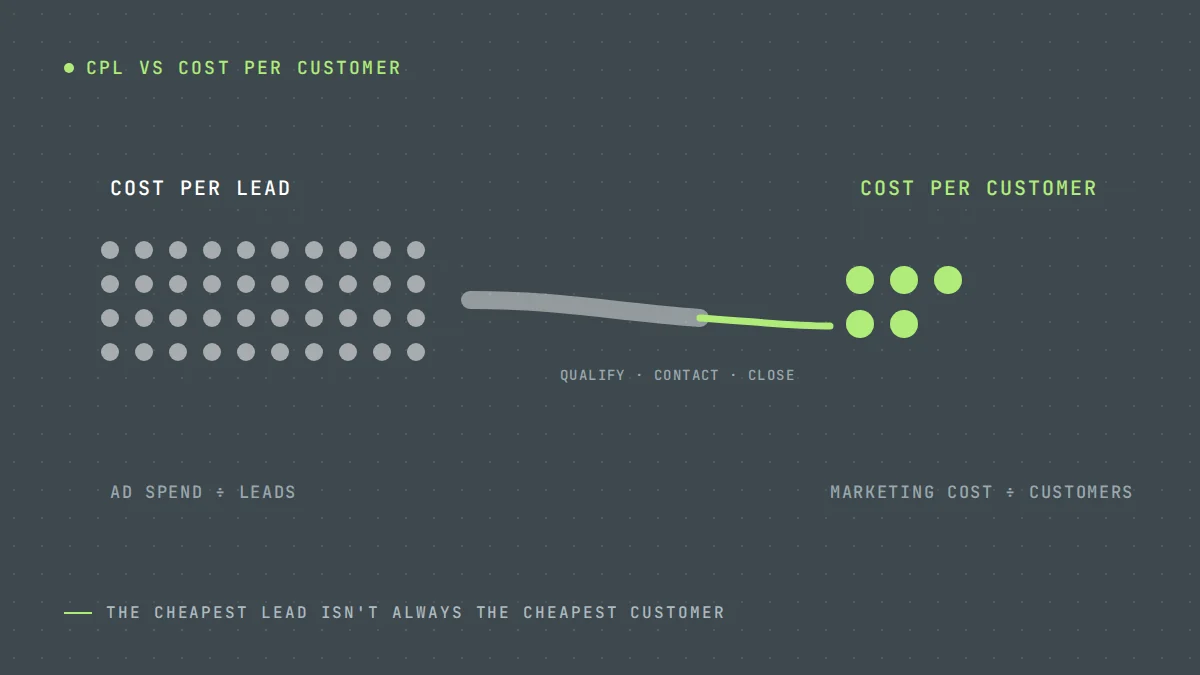
If you do nothing else, start saving the GCLID and UTM parameters with every form lead. Without them, you cannot connect outcomes to clicks later. Then read cost per lead vs cost per customer to decide which stages to track.
Offline conversion tracking is set up as standard in our PPC management. Request a free audit to see what your platforms are optimizing for now.
Questions owners ask
Do I need a CRM for offline conversion tracking?
No. A spreadsheet with lead status and click IDs is enough to start with manual uploads. A CRM makes it faster and more reliable.
How often should I upload conversions?
At least weekly. Daily or automatic uploads are better, because the platforms learn faster from fresher data.
Will this reduce my number of leads?
It may reduce total leads if the platform stops chasing low-quality ones. The aim is more qualified leads and customers for the same spend.
What is offline conversion tracking?
Offline conversion tracking sends what happened after the enquiry, such as a qualified lead, a booked estimate or a won job, back to Google Ads or Meta. The ad platform matches it to the original click or lead and learns which ads bring in customers rather than just form fills.
Sources
Want us to look at your own numbers?
Get a free lead generation audit. We will review your ads, landing pages and tracking, and show you where enquiries are slipping away. If nothing is broken, we will tell you that too.

LeadWise MarketingAn owner-operated lead generation agency based in Cape Town, South Africa, working with service businesses across the United States and Europe. More about LeadWise.