Google Local Services Ads vs Google Search Ads: Which should you run?
Both appear when someone searches for a plumber, roofer or electrician near them. They work very differently, and the right mix depends on your trade and your market.
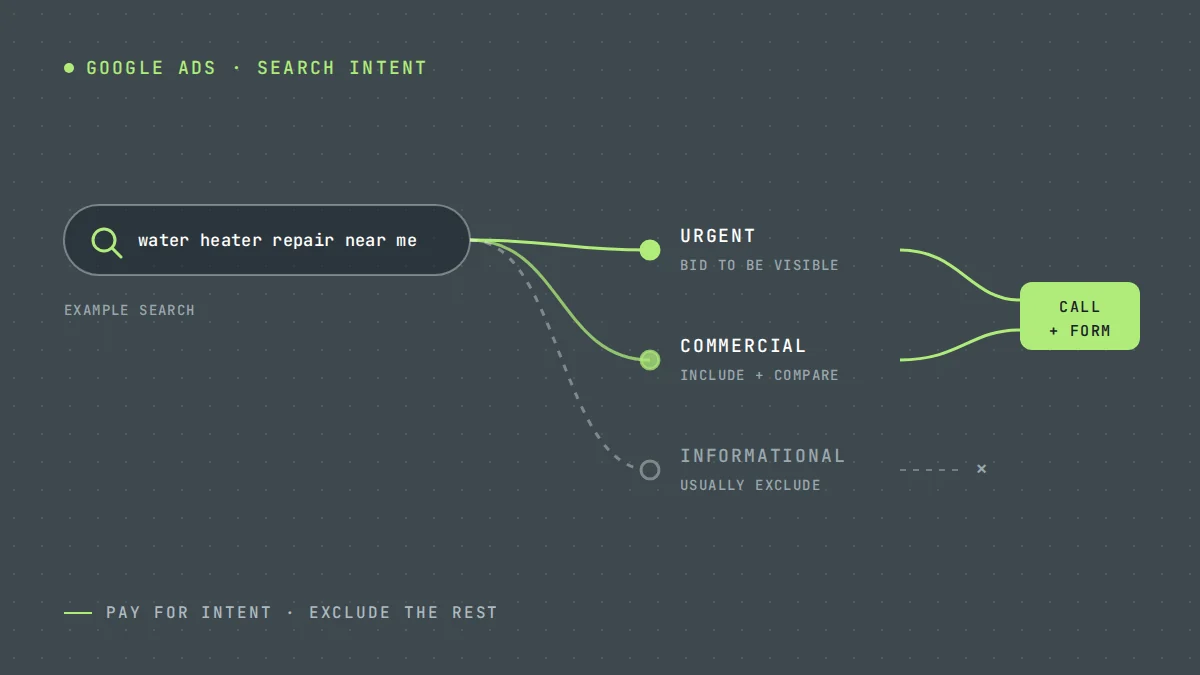
Search for "plumber near me" in many US cities and you will often see two kinds of ads before the map. At the very top are Local Services Ads, showing business names, star ratings and a badge. Below them are standard Search Ads with headlines and links.
Both are Google. They are bought, managed and charged differently.
How Local Services Ads work
Local Services Ads are available for specific service categories in supported countries. To run them, a business goes through Google's screening and verification process, which can include background and licence checks depending on category and location.
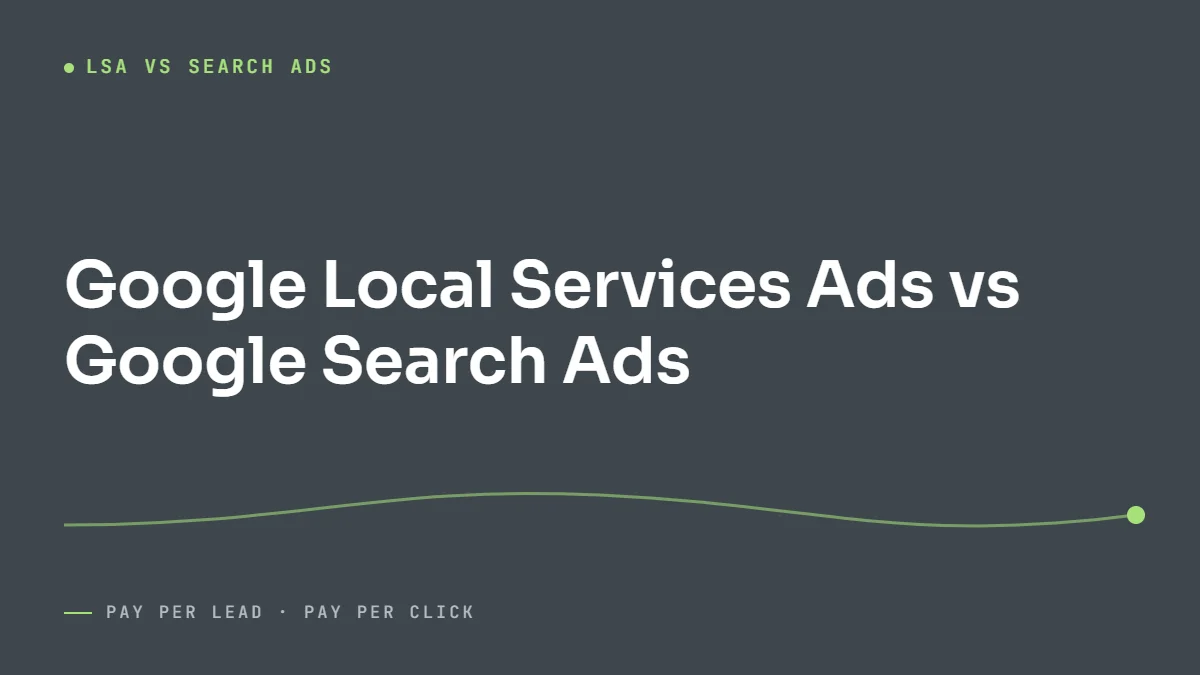
- You pay per lead, not per click. A lead is usually a phone call, message or booking made through the ad.
- You choose job types and service areas from Google's options. You do not choose keywords.
- Ranking depends heavily on reviews, responsiveness, proximity and whether your business is open.
- You can dispute some leads that are not valid, such as spam or a job type you do not offer, within Google's rules.
How Search Ads work
Standard Google Search Ads let you pick keywords, write your own ads, send people to your own landing page and choose your bidding strategy. You pay when someone clicks.
This means more work, and more control. You can target a specific service such as "tankless water heater installation", exclude job seekers with negative keywords, and test landing pages.
2026 update: Local Services Ads are moving into Google Ads
Google is moving Local Services Ads out of their separate dashboard and into Google Ads, as a special type of Performance Max campaign with pay-per-lead goals. According to Google's migration guide, the move started in August 2026 with selected US home and storefront services, including plumbing, HVAC, electrical, house cleaning, lawn care and roofing. Service-area businesses without a storefront follow in late 2026, and accounts outside the US in 2027.
What stays the same:
- You still pay per valid lead, such as a call or message, not per click.
- Ads still appear only on Google Search and Google Maps, in the same positions.
- Campaigns stay keywordless. Targeting comes from your service categories and service areas.
What changes:
- You manage campaigns and reply to leads inside Google Ads. The old dashboard redirects there.
- Historical performance reports do not carry over, so download or screenshot them before your account moves. Past leads do carry over.
- Manual bidding, such as a maximum cost per lead, and separate targets per job category are retired. One campaign-level target applies unless you split services into separate campaigns.
- Weekly budgets become daily averages, and Google caps monthly spend at the daily average multiplied by 30.4.
- Your business name, address and hours sync from your Google Business Profile, which makes an accurate Google Business Profile more important than before.
Despite the name, these campaigns do not run on YouTube, Gmail or Display like a standard Performance Max campaign. The comparison below still holds: LSA is the pay-per-lead option with little control, and Search Ads are the pay-per-click option with a lot of it.
Side by side
| Local Services Ads | Search Ads | |
|---|---|---|
| You pay for | Leads | Clicks |
| Placement | Top of page, where shown | Below LSA, above organic results |
| Targeting | Job types and service areas | Keywords, locations, schedule, audiences |
| Landing page | None, profile only | Your own page |
| Setup | Verification required | Account only |
| Control | Low | High |
When LSA makes sense
- Your trade is a supported LSA category in your area.
- You have strong reviews, or can build them quickly.
- You want a simple way to get calls without managing keywords.
- You can answer the phone reliably. Missed calls hurt your LSA ranking.
When Search Ads make sense
- You offer high-value services that LSA job types do not describe well.
- You want to send traffic to a landing page that qualifies leads.
- You need control over which searches you appear for.
- Your category or region does not support LSA.
Running both
LSA and Search Ads are not either/or. A common pattern is to use LSA for core emergency or repair calls, and Search Ads for higher-value work and specific services. Track both in the same place, using call tracking for Search Ads and LSA's own lead reporting, so you can compare cost per booked job rather than cost per lead.
Illustrative example
These numbers are invented to show the comparison.
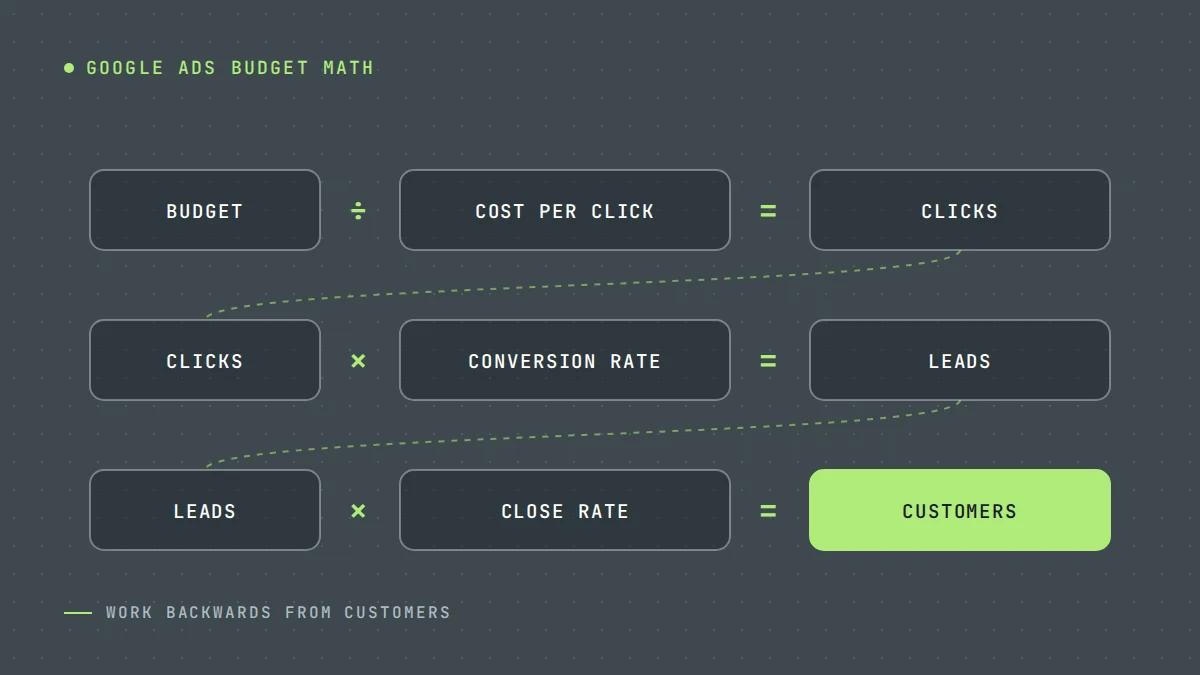
An HVAC company gets LSA leads at $45 each and Search Ads leads at $70 each. On cost per lead, LSA wins. But 30% of LSA leads book, versus 45% of Search Ads leads, because the Search Ads landing page pre-qualifies them. Cost per booked job: LSA $150, Search Ads $156. Close enough that both deserve budget.
Where to start
If LSA is available for your trade, set it up and focus on reviews and answering every call. Then use Search Ads to fill the gaps. For more on search campaigns, see Google Ads for service businesses and how much Google Ads costs.
We manage both as part of our Google Ads service. Request a free audit if you want to know which mix suits your market.
Questions owners ask
Are Local Services Ads better than Google Ads?
Neither is better in general. LSA is simpler and charges per lead; Search Ads offer more control. Compare them on cost per booked job in your own market.
Why am I not showing in Local Services Ads?
Common reasons are limited budget, few reviews, a low response rate, being outside business hours, or distance from the searcher. Google also limits how many businesses appear.
Can I get refunds for bad LSA leads?
Google allows businesses to dispute certain invalid leads. The rules and process change from time to time, so check the current Local Services Ads help pages.
Are Local Services Ads moving to Google Ads?
Yes. Google began moving Local Services Ads into Google Ads in August 2026, as Performance Max campaigns with pay-per-lead goals. US home service categories went first, other service-area businesses follow in late 2026, and non-US accounts in 2027. You still pay per lead, and ads still show only on Search and Maps.
Should I download my Local Services Ads reports before migrating?
Yes. Google says historical performance reports will not transfer to Google Ads, although past leads and messages will. Save the reports you use for year-on-year comparisons, such as leads, spend and cost per lead by month, before your migration date.
Sources
Want us to look at your own numbers?
Get a free lead generation audit. We will review your ads, landing pages and tracking, and show you where enquiries are slipping away. If nothing is broken, we will tell you that too.

LeadWise MarketingAn owner-operated lead generation agency based in Cape Town, South Africa, working with service businesses across the United States and Europe. More about LeadWise.